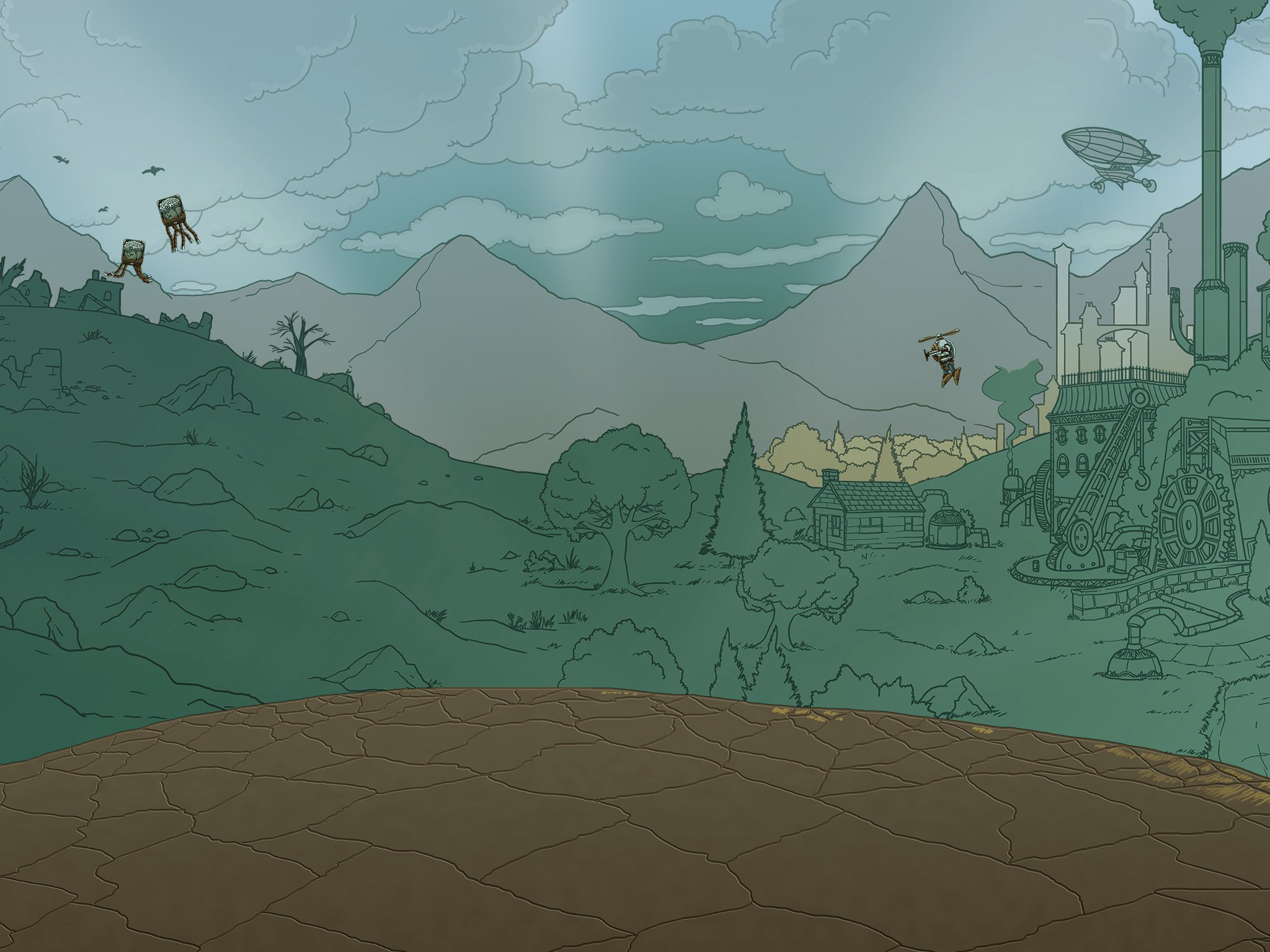
Dig & build
Tunnel through the earth, haul out what you find and build whatever you can imagine, from a tiny hideout to a towering fortress.
Dig deep, build high and explore a broken steampunk world with friends. The adventure is open again.
Grab the small starter zip (under 4 MB) with the button above.
Right-click the zip and choose Extract All. Move the Deepworld folder anywhere you like.
Open the folder and run DeepworldLauncher.exe. The first run downloads the game (about 3.1 GB), then press PLAY.
Windows may warn you the first time. If you see “Windows protected your PC”, click More info, then Run anyway. The launcher is new and not yet widely recognised by Windows.
Deepworld is a 2D sandbox adventure of mining, crafting and survival, set in a wrecked world of brass, steam and strange machines.
Tunnel through the earth, haul out what you find and build whatever you can imagine, from a tiny hideout to a towering fortress.
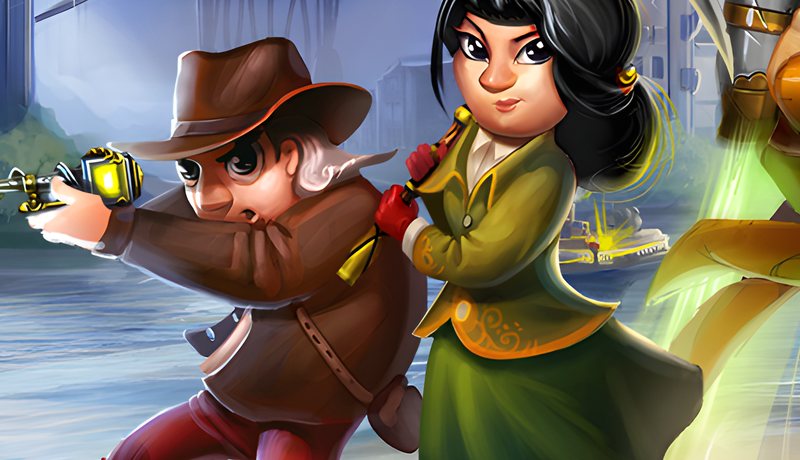
Wander the surface and the caves beneath it with other players. Every world hides something worth the trip.
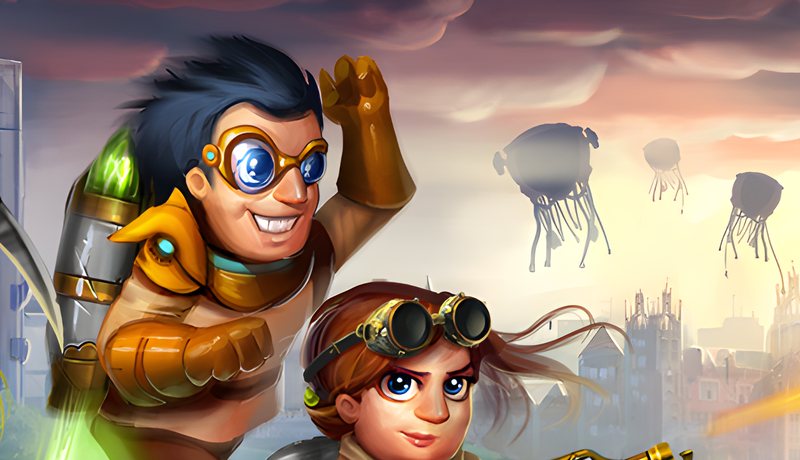
The further down you go, the stranger and hotter it gets. Bring gear, bring friends and watch your step.
No. The launcher checks for changes every time you open it and downloads only what is new, so most updates take seconds.
The zip you download is under 4 MB. The first time you run the launcher inside it, it downloads the full game, about 3.1 GB. After that, updates only download what changed.
Windows shows that message for any new program it hasn’t seen many times before. Click More info then Run anyway. Only download the game from this site.
No. Always start the game with the launcher, which makes sure your files are up to date and match the server.
Open the launcher and press REPAIR FILES. It re-checks every file and replaces anything damaged or modified.
The launcher removes files that are not part of the official game from its game folder, so anything extra you drop in there is deleted the next time it runs. Keep the launcher in its own folder.
If you close the launcher during a download it clears the partial files, so the next run starts clean. Just open it again to finish.
Find other players, get help and see what’s new.